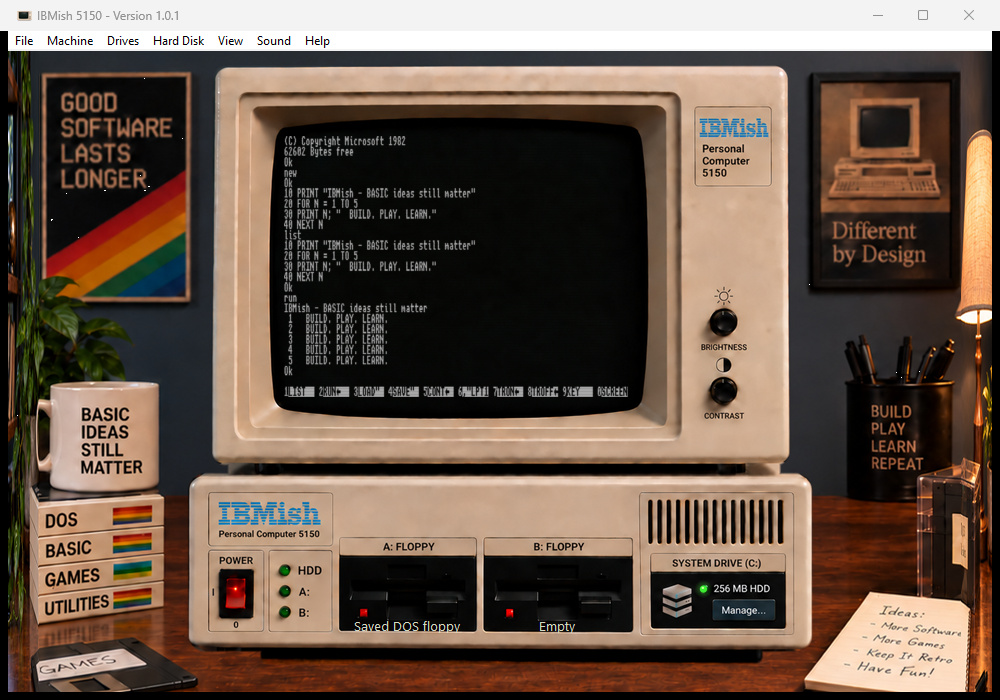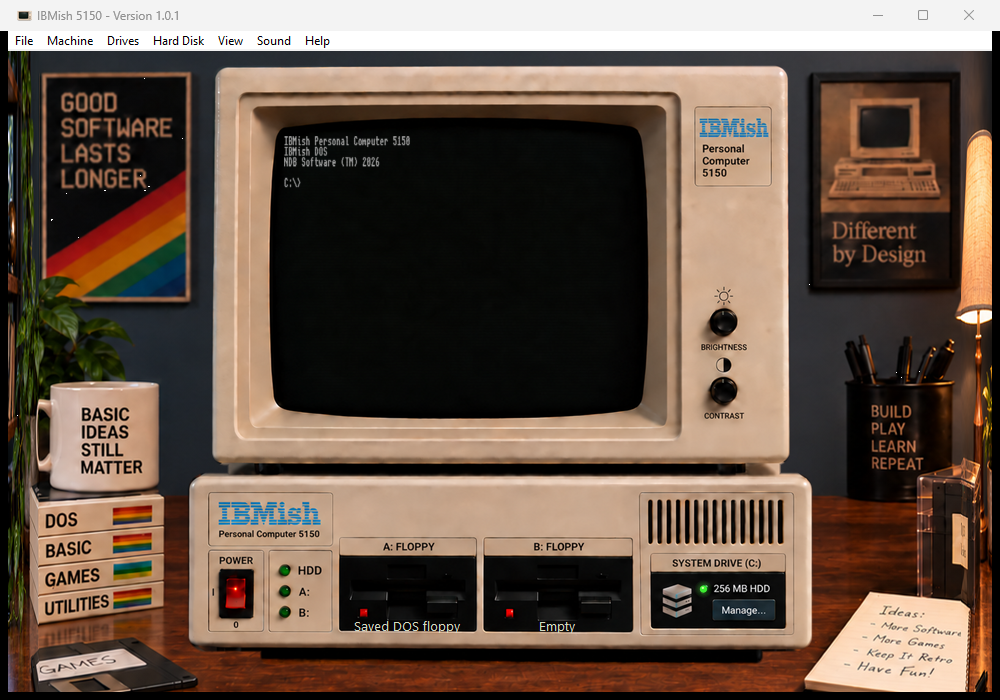
A proper little workstation.
Beige hardware, working monitor controls, clickable drive bays, and a live 4:3 display. Choose original color or green phosphor, with optional scanlines.
IBMish 5150 / COMING SOON FOR WINDOWS
Boot into DOS. Write a BASIC program. Play an original game. A working retro PC, right at home on your Windows desktop.
Real DOS. Your programs. A desk worth coming back to.
THE EXPERIENCE
A live CRT. A persistent virtual hard disk. Games, tools, and a little room to tinker. IBMish brings the hands-on joy of a vintage computer to a normal, resizable Windows window.
Beige hardware, working monitor controls, clickable drive bays, and a live 4:3 display. Choose original color or green phosphor, with optional scanlines.
Start with the original 8088 profile, or explore the 286, 386, and 486SX. Four ways to enjoy compatible DOS software.
Save a program, a high score, or a disk full of ideas. Your private virtual hard disk keeps your DOS files between sessions.
A LITTLE LESS WORK. A LITTLE MORE PLAY.
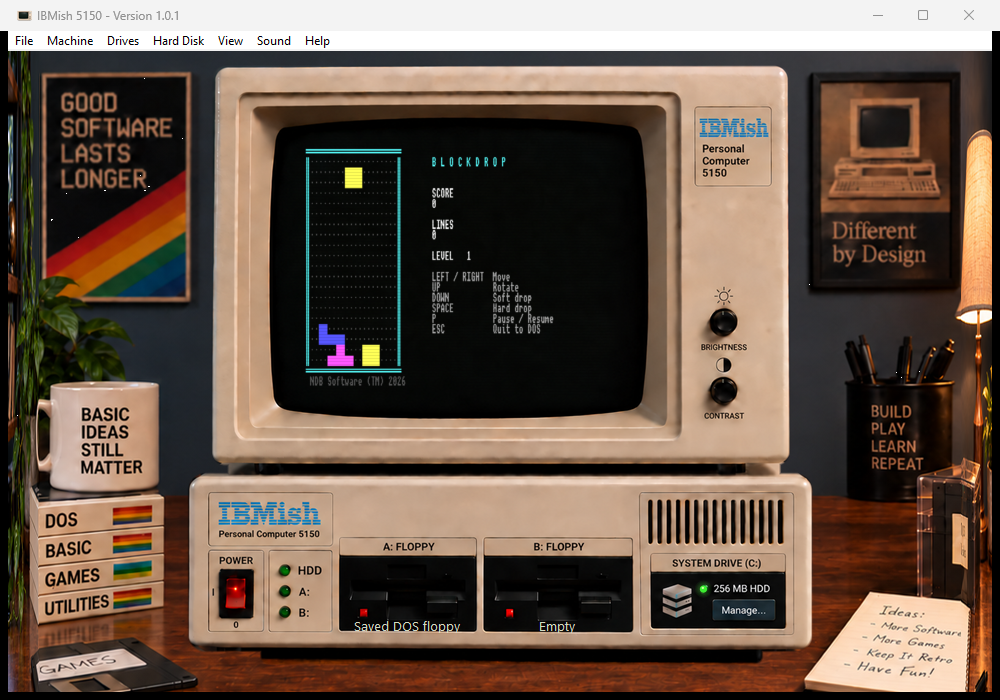
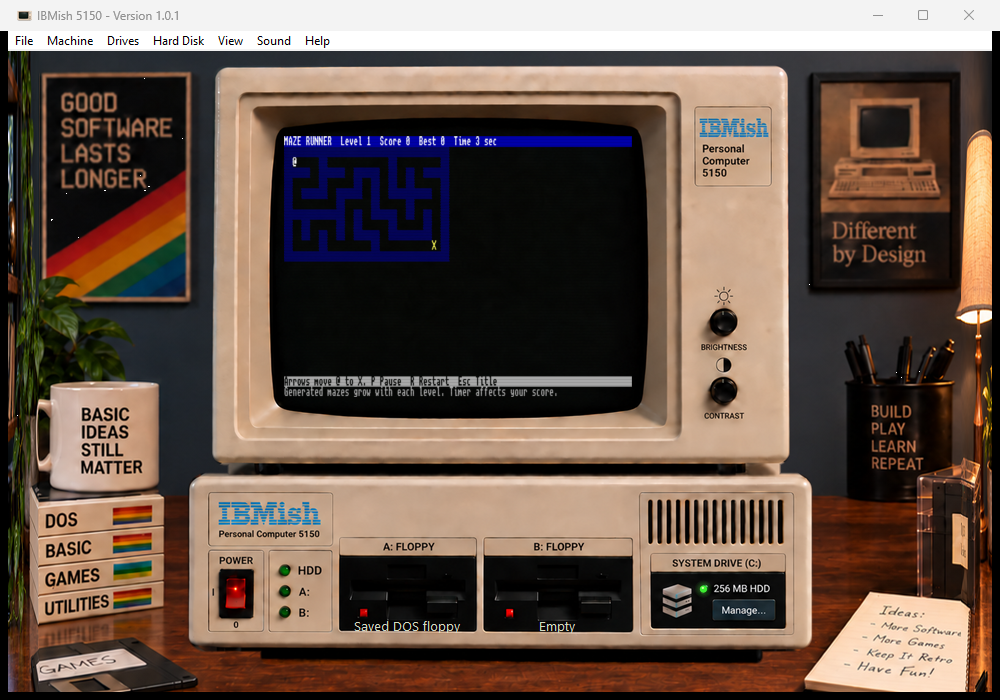
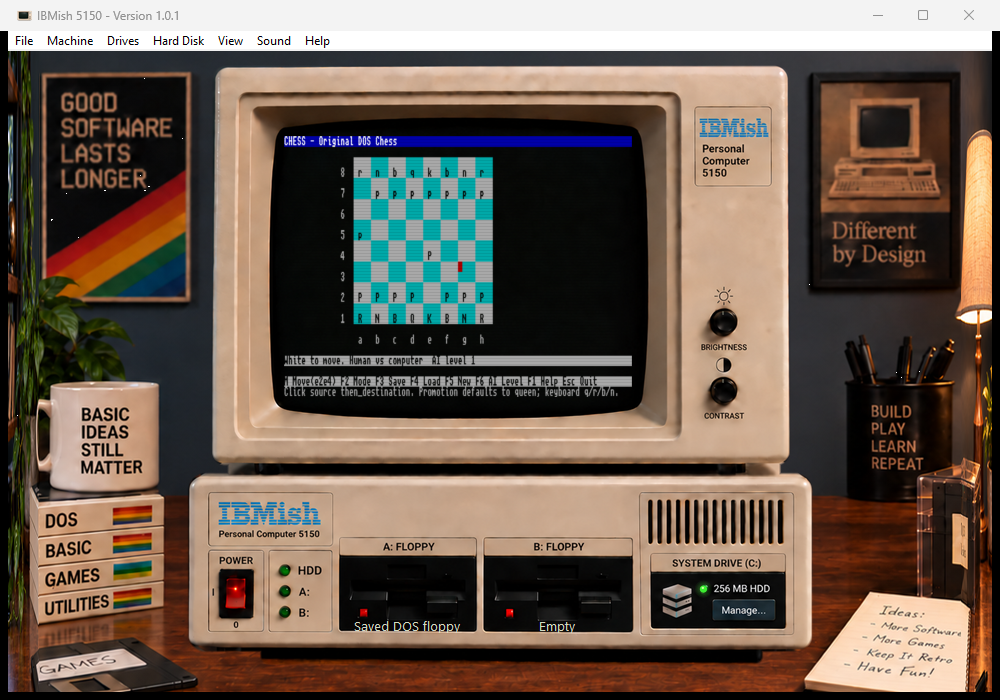
Clear a row, find your way out, or plan your next move. Five bundled games bring their own kind of after-school energy.
BUILD. RUN. TRY AGAIN.
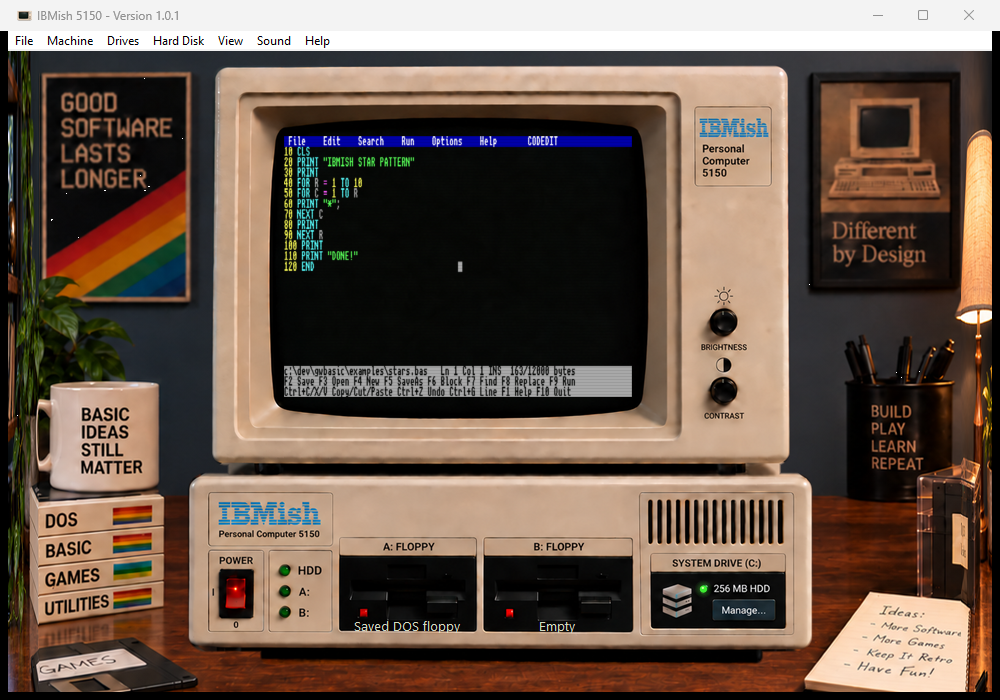
There’s something satisfying about a few numbered lines becoming a working program. Start with GW-BASIC, explore the included examples, then make something of your own.
A source rebuild derived from the early MIT-licensed GW-BASIC release, with additions including TIMER and CHDIR. Paired with a code editor, hex editor, assembly viewer, and ASCII reference.
YOUR OWN CORNER OF DOS
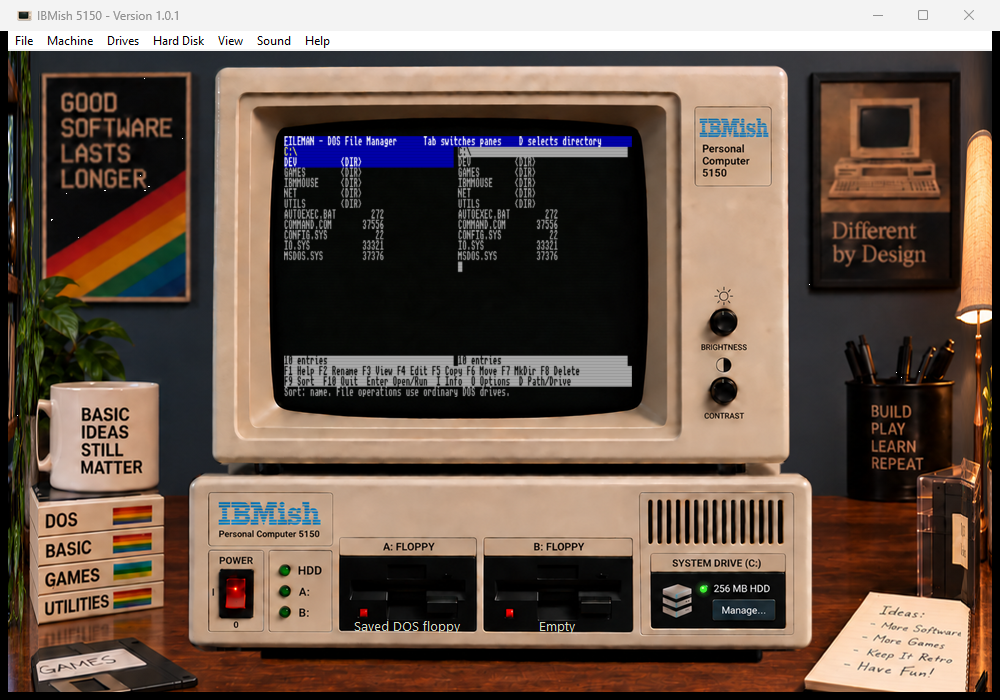
Bring in compatible programs as files, folders, or ZIP archives. Organize them in the dual-pane file manager, mount floppy images, and keep a backup of your virtual hard disk.
Software compatibility varies. Bring your own programs and the rights to use them.
OLD-SCHOOL SCREEN. OUTSIDE-WORLD CONNECTION.
Read the web as text, catch up on your feeds, and check U.S. forecasts. IBMish uses your Windows connection—no DOS network stack to configure.
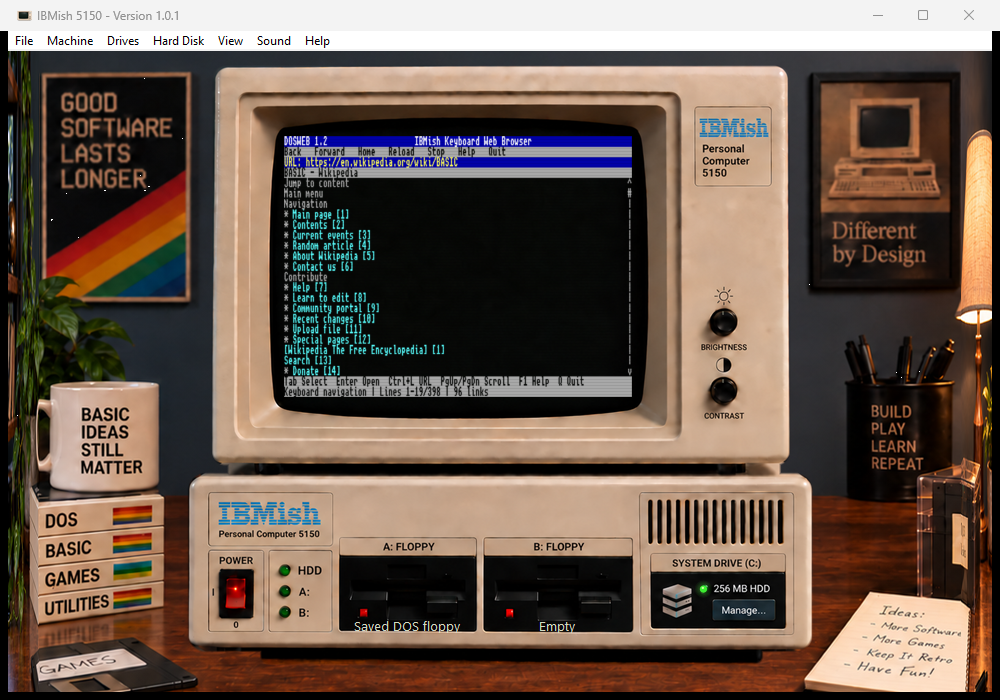
DOSWeb turns public pages into readable text and numbered links. Keyboard navigation, with no JavaScript, video, forms, or login sessions.
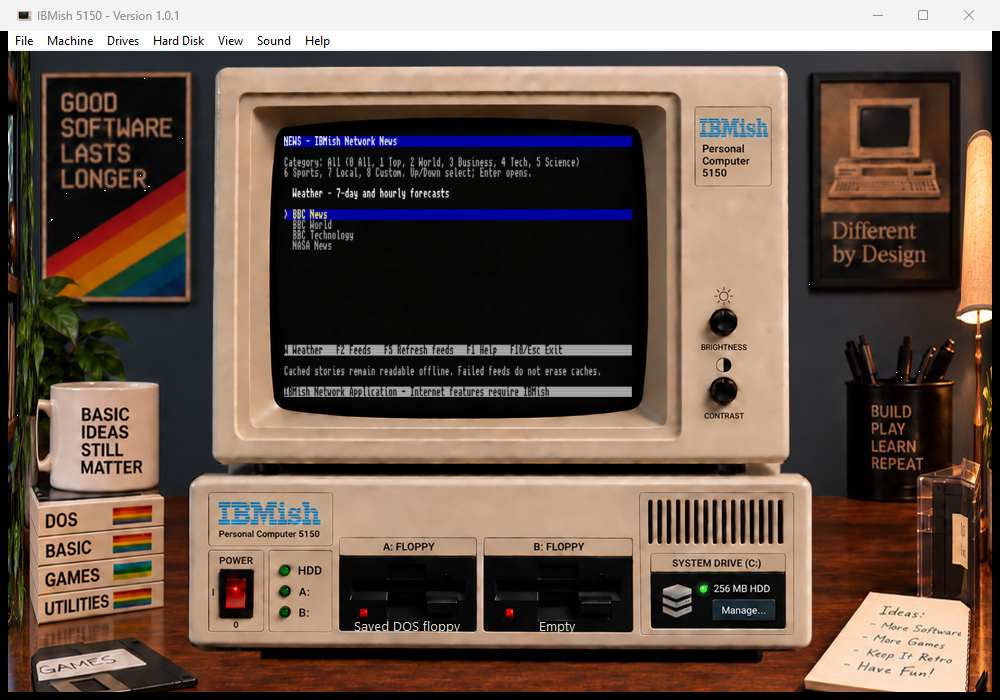
Read configurable RSS/Atom feeds and open article links in DOSWeb. Saved pages stay available offline. NEWS requires a 286 or newer.
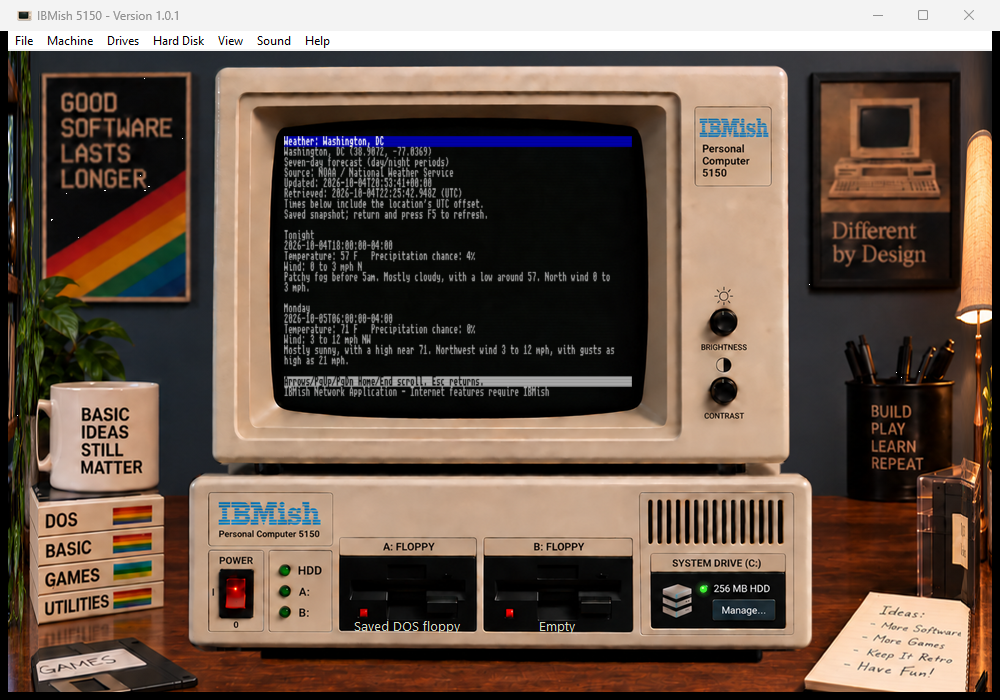
Seven-day and next-24-hours forecasts from NOAA/NWS. U.S. coverage, 16 city presets, and custom coordinates. No API key needed.
Screenshots show captured examples, not live news or weather. Third-party content and availability may change. Source names do not imply endorsement.
OPEN THE SOFTWARE SHELF
Games, programming, everyday tools, and a connection to the outside world. All bundled into your own little DOS environment.
BLOCKDRPDrop blocks, clear rows, and progress through levels.
ASTROAsteroids, momentum, screen wrapping, and PC-speaker effects.
MAZEGenerated mazes with difficulty choices, timers, and scores.
SNAKEA growing-snake classic with speed choices and high scores.
CHESSPlay a friend or the computer. Save your game and return later.
GWBASICWrite numbered programs; LIST, RUN, LOAD, and SAVE.
CODEDITSyntax colors for BASIC, C, assembly, and batch files.
HEXEDITInspect and edit small DOS files in hex and ASCII.
ASMVIEWA read-only, partial 8086 decoder for curious minds.
ASCIIExplore characters, codes, and the active DOS character set.
EDITORCreate, edit, and save plain ASCII text.
CALCDecimal expressions, parentheses, and everyday arithmetic.
FILEMANDual-pane browsing, copying, moving, and file management.
SYSINFOSee your guest CPU, memory, video, drives, and DOS version.
VIEWRead, scroll, wrap, and search text files.
DOSWEBText-based web pages, numbered links, and keyboard navigation.
NEWSRSS/Atom feeds and U.S. forecasts. Requires 286 or newer.
FETCHRetrieve a supplied public URL into a DOS file.
NETINFOTest the shared internet service, DNS, HTTP, and HTTPS.
No. IBMish runs an emulated computer and real DOS programs. The retro desk surrounds the working guest display.
Yes. Files saved to the virtual C: disk persist between sessions. Backups and exports are available.
Yes. Import compatible DOS programs as files, folders, or ZIP archives, or use supported raw disk images. You supply your own software and its rights; compatibility varies.
The bundled local games, programming tools, and utilities work offline. Internet retrieval requires a connection. Previously saved NEWS and weather pages can be read offline.
Compatible DOS programs can use the emulated serial mouse. DOSWeb and NEWS use keyboard navigation.
NEWS requires a 286, 386, or 486SX profile. DOSWeb remains available on the 8088.
No. This release uses U.S. National Weather Service coverage, with 16 city presets and latitude/longitude entry. It displays forecasts, not live current observations.
Version 1.0.1 uses a normal resizable Windows window with maximize and restore. Dedicated fullscreen mode was removed.
A NEW HOME FOR OLD-SCHOOL CURIOSITY
IBMish 5150 · Coming Soon for Windows.
Contact NDB SoftwareThe first Windows release is coming soon from NDB Software.